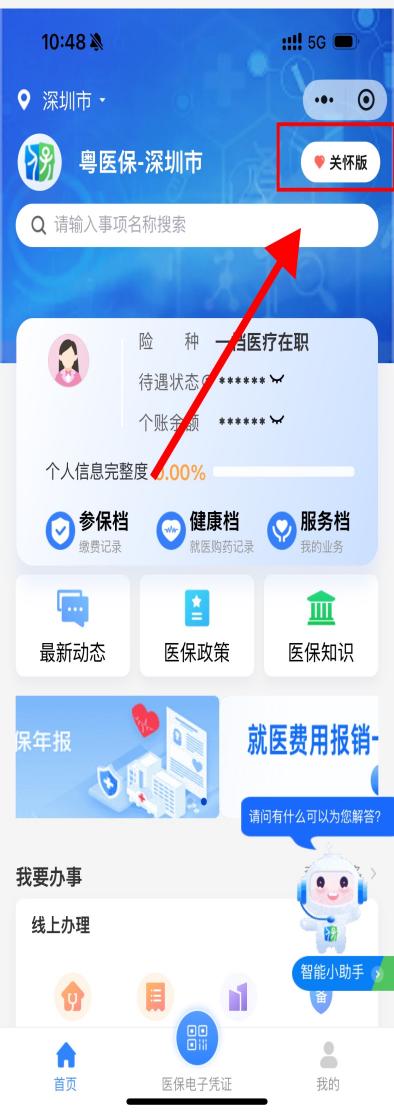
Launch the WeChat Mini Program "Guangdong Medical Insurance" and tap Login. The system will prompt to open the "Yuexinqian" Mini Program; select Allow to jump to it. After logging in via facial recognition verification, tap Return to Medical Insurance Service Platform to enter the homepage. Set the insured region to Shenzhen City, then follow the steps below:

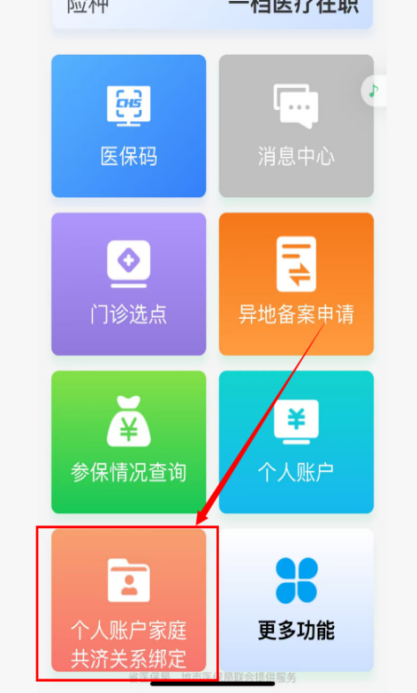
1. Locate the Senior-friendly Version module, scroll down the page and tap View More under the I Want to Handle Services section. Find the function Binding/Unbinding of Personal Account Family Mutual-aid Relationship under the Business Handling module to enter the operation page.
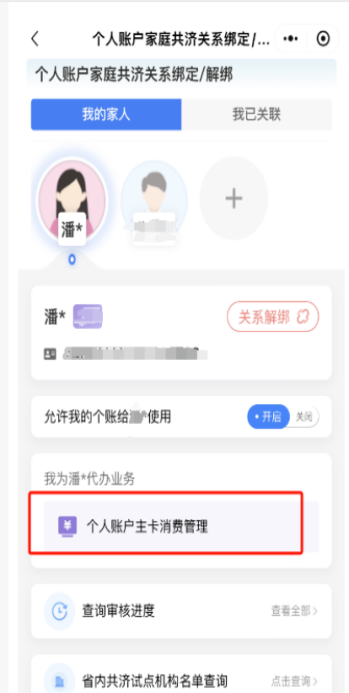
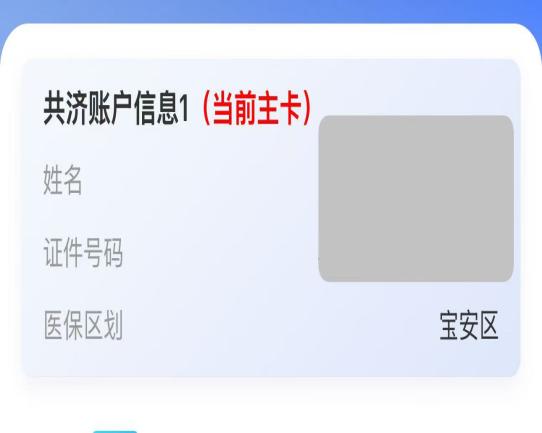
2. Read the warm tips and tap I Have Read and Agreed to proceed. Select the family member to be authorized for the primary personal account, then tap Primary Personal Account Consumption Management to access the corresponding setup page.
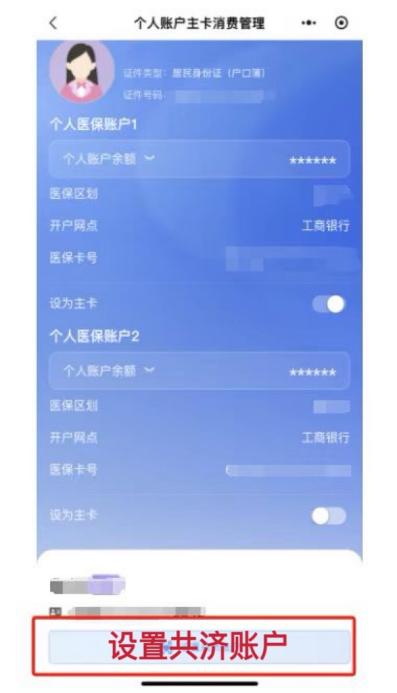
3. On the Primary Personal Account Consumption Management page, tap Set Up Mutual-aid Account and select Confirm to complete the setup successfully.